Updating Sadx Freestyle is the process of replacing the version on your phone with a newer build while keeping the sensitivity values, panel choices, and layout habits you already rely on. Done carefully, an update takes only a few minutes and your setup feels familiar the moment you reopen the app.
Many players skip updates because they worry a new build will reset everything they tuned. That concern is understandable, but staying on an old build usually causes more trouble over time, from layout glitches to options that no longer match the current game. Starting from the Sadx Freestyle APK download page keeps the process grounded, because you always know which version you are moving from and which one you are moving to.
Check Your Current Version First
Before changing anything, open the app and note the version shown in its information area. Writing the number down, or taking a screenshot, gives you a reference point if you later want to confirm the update actually landed. It also helps when you compare notes with other players who may be on a different build.
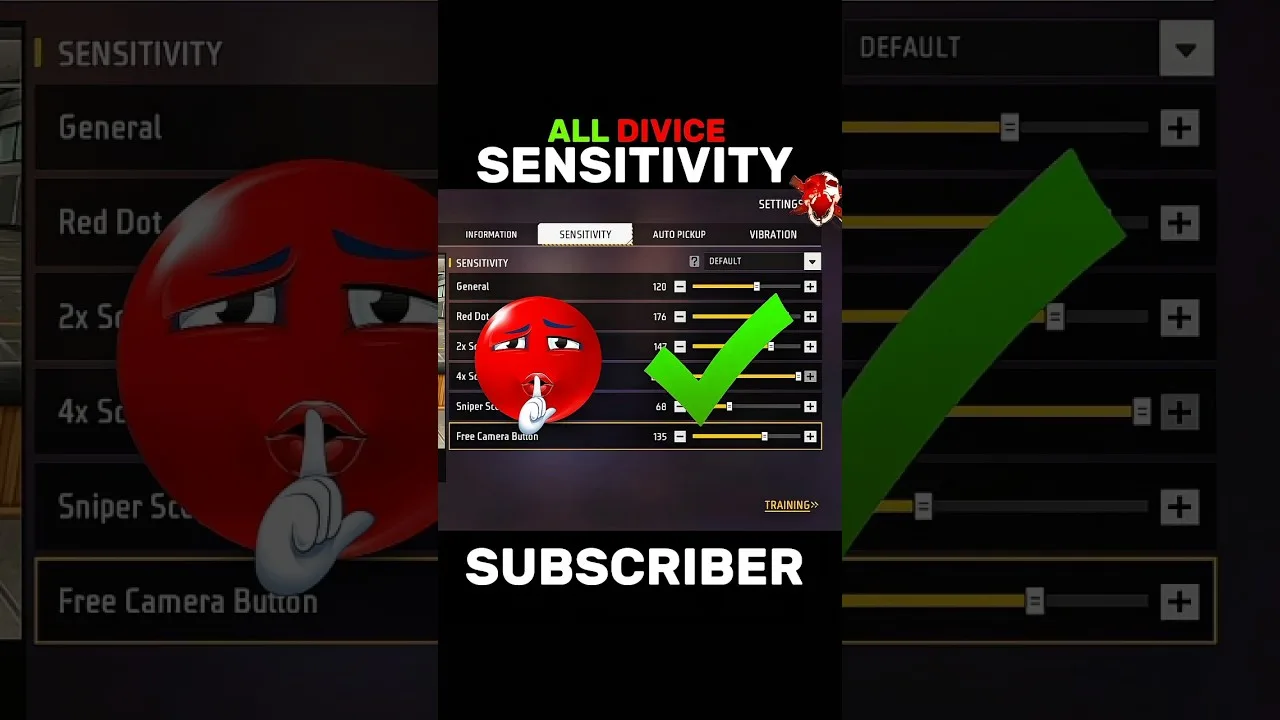
While you are there, look through your main sensitivity values and panel choices one more time. An update should preserve them, but knowing your numbers by heart means you can spot any difference immediately. Players who followed the Sadx Freestyle installation guide will recognise this habit, because the same careful checking applies at first install and at every update after it.
Save Your Settings Before You Update
A short backup step makes every update stress free. Note your general sensitivity, each scope value, your DPI choice, and any overlay or crosshair preferences in a note on your phone. Screenshots of each settings screen work just as well and take less than a minute to capture.
This habit matters because it turns an update into a reversible step instead of a leap of faith. If anything feels different afterwards, you can compare screen by screen and restore your exact numbers. The dedicated guide on backing up and restoring your Sadx Freestyle settings walks through the full routine, including how to organise screenshots so they stay useful months later.
Install the New Build Over the Old One
When you are ready, get the new build from the Sadx Freestyle download page and install it over the existing app rather than removing the old one first. Installing over the top is what allows Android to keep the app data in place, so your saved values and preferences carry across to the new version.
During installation, keep the phone on a stable connection and avoid switching between apps until the process finishes. If Android asks you to confirm the update, the message simply means the new build is replacing the old one with the same identity. Once it completes, open the app straight away instead of leaving the first launch for later.
Verify the Update Worked
Open the version information again and confirm the number changed to the build you just installed. Then walk through your main screens slowly: general sensitivity, scope pages, panel sections, and any overlay options you use. Each value should match the notes or screenshots you saved before starting.
Finish with a short practical check rather than trusting the screens alone. Play one training session or a single casual match and pay attention to how aim movement and drag response feel. Small differences are easier to judge in motion than on a settings page, and catching them early means one small correction instead of a week of vague discomfort.
What to Do If Something Feels Off
If a value looks wrong after updating, do not change everything at once. Restore the single number that differs from your backup, test again, and only then look further. Most post update problems turn out to be one reset field or a permission that needs to be granted again for an overlay feature.
If the app itself misbehaves, a restart of the phone clears most temporary issues. Reopen the app afterwards and repeat the short verification walk. Keeping the process methodical means an update stays a routine maintenance step, not a project that eats an entire evening of play time.
How Often Should You Update?
Not every new build demands an immediate install. A sensible rhythm is to update promptly when a build mentions fixes for problems you actually experience, compatibility with a new game version, or changes to sections you use daily. A build that only adjusts areas you never open can safely wait until your next natural break in play.
What matters more than speed is consistency of method. Players who always check the version, save settings, install over the old build, and verify with a test session stop fearing updates entirely, because the routine absorbs surprises. Players who update randomly, mid session and without notes, are the ones who collect update horror stories. The tool is rarely the problem; the missing routine usually is.
One last habit separates smooth updaters from frustrated ones: timing. Install updates at a calm moment, not in the lobby while friends wait and not minutes before a tournament or a ranked push. A relaxed ten minute window lets you verify properly, and if anything does need attention, you can give it that attention without an audience. Updates reward the same quality as the rest of your setup work, which is unhurried attention applied in the right order, and once that becomes your default, a new version announcement turns into a small routine task instead of a recurring worry hanging over your sessions.
Final Thoughts
Updating Sadx Freestyle works best as a small routine: check the current version, save your settings, install the new build over the old one, and verify everything with a short test session. Followed in that order, each update keeps your setup intact while giving you the improvements of the latest version, and the whole process soon becomes as automatic as the setup checks you already do before playing.
Your download is ready
Use the APK link below and follow the install steps on this page.